
Automate GPT 6.1 Terra: How to Set It Up (2026 Guide)

Nov 10, 202616 min read
When you automate GPT 6.1 Terra, you are making one HTTP call to the model, started by a trigger (a schedule, a webhook, or a step in a flow builder like Activepieces) and guarded by a plan for when it fails.
A working version takes about 30 minutes; a production-safe one depends on limits you must read yourself, so those 30 minutes produce a working draft but not production-ready code.
GPT 6.1 Terra automation and the fastest path
What automating the model actually means
There are three parts: a trigger (a new row, email or webhook), the API call, and an error plan covering retries, timeouts and a place for failed items to land. The prompt is the smallest part.
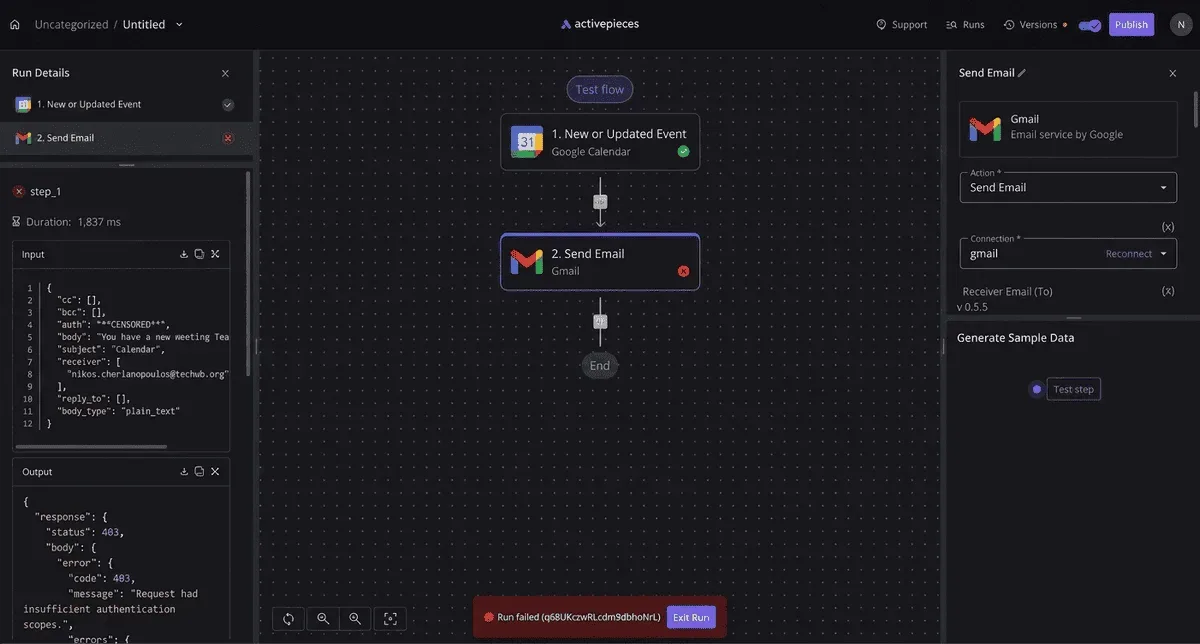
When a job stops at 2 a.m. because of a limit nobody read, no rewording fixes it. That is the usual failure.
Here is what was checked on 2026-11-10 and what held up. Treat every unconfirmed row as a value to read from the vendor's page before you size a job around it.
When a job stops at 2 a.m. because of a limit nobody read, no rewording fixes it. That is the usual failure.
| Item | Value found | Vendor page URL | Date checked | Status |
|---|---|---|---|---|
| Model identifier | GPT-6.1 Terra (display name) | None captured | 2026-11-10 | Name and exact API string gpt-6.1-terra confirmed |
| Access tier | Not found | None captured | 2026-11-10 | Unconfirmed |
| Context window | 1,050,000 | https://developers.openai.com/api/docs/models/gpt-6.1-terra | 2026-11-10 | Confirmed |
| Max output | Not found | None captured | 2026-11-10 | Unconfirmed |
| Price | Standard $1 / $0.05 / $5 per million tokens | https://openai.com/index/introducing-gpt-6-1-terra/ | 2026-11-10 | Confirmed (OpenAI) |
Prices and plan limits checked against docs.claude.com and claude.com and openai.com and gemini.google on November 9, 2026.
Until the two unconfirmed limits are read from the vendor, keep inputs and outputs small and put a hard cap on retries.
The fastest path: hosted workflow tool or direct API call
If you want a trigger and a model call running fastest, Activepieces lets an Agent step and the plain rule steps (trigger, retry, alert) live in one flow on one engine, so that 2 a.m. failure appears in a single run trace from trigger to alert.
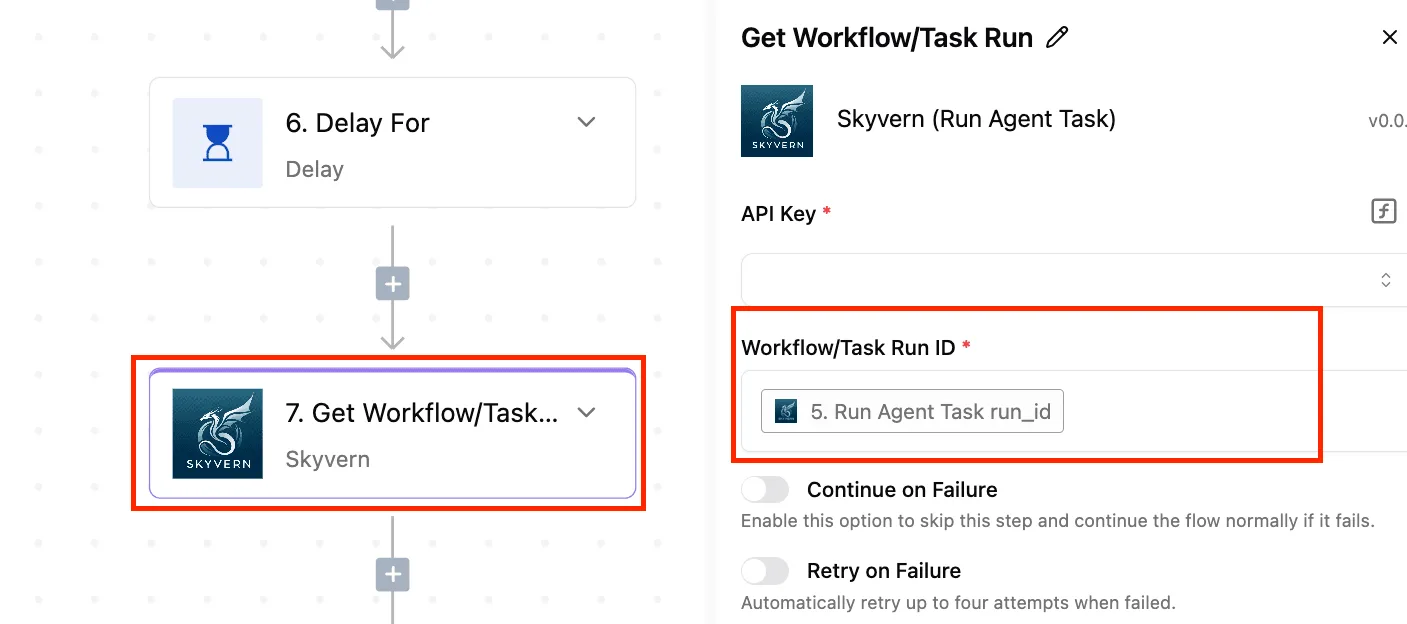
Put an Agent step next to a retry step in the builder, open the trace, and you see one execution, not two tools joined by a callback.
A direct API call from a script costs more setup, but you control the retry logic and see raw error responses.
Pick the tier by pricing. Neoteo lists Standard at 1, 0.05 and 5 dollars per million tokens. I read those as input, cached input and output, though the page's labels are the thing to confirm.
After the first call, a long, repeated instruction block costs almost nothing: cached input is one-twentieth of the normal input rate.
Any job that can wait for a result shouldn't be paying the Standard rate, because Batch and Flex are both listed at 0.5, 0.025 and 2.5 dollars. That's exactly half of Standard on every line.

Before starting, you need:
- An API key from the vendor's console.
- The exact model string, copied from the vendor's docs rather than from a blog.
- The context window and max output, read from the model page.
- A place to log failed calls with timestamps.
- A decision on whether the job can wait, since that picks the tier.
This takes minutes, not a project: automate it in Activepieces free.
Setting up working GPT 6.1 Terra workflows
You get a working workflow in five steps, and each one leaves something you can check before you move on, which means you can stop at any stage if you catch a show-stopping problem.
A job that can wait for its result should be set up as a batch job from step 2. The order matters because every step fails in a different place.
Getting the key and model call working
Step 1: Get a key and make one test call. Create the key in the vendor's console and store it in your automation tool's secrets, never in the workflow text.
Then send one plain request with one short message. A returned completion proves the key, the account and the network path all work.
Screenshot the raw response, including the headers, and date it. If the call fails here, the failure is in your account, not your prompt.
Step 2: Set the model name and parameters. Enter the identifier exactly as gpt-6.1-terra, with no spaces and no capital letters.
A mistyped name returns an error, but a name that resolves to an older model returns a working answer from the wrong engine, and nothing in the output will tell you.

Read each parameter name from the vendor's current API reference, not from a tutorial, and write down the date you read it. Set the output length cap deliberately, because the default is the vendor's choice, not yours.
Wiring the trigger
Step 3: Add the trigger. A trigger is whatever starts a run: a new row, an incoming email, a webhook, a schedule. Wire one and fire it by hand once. Screenshot the run log showing the trigger payload arriving.

If the trigger can fire twice for the same event, which many do, decide now how a duplicate will be recognised. The model will happily answer both copies and you'll pay for both.
Sending GPT 6.1 Terra output, retries and alerts
Step 4: Send the result somewhere useful. Write the model's answer to one spreadsheet row or one chat message, and stop there.
Resist adding a second destination until this one has run unattended. Check that the row contains the model's text and not an error string that was saved as if it were an answer.
Step 5: Add retries and a failure alert. Request structured output, meaning a reply in a fixed shape such as JSON, so the next step can read it without guessing.
Then add a retry that waits longer between attempts and gives up after a set count, and an alert that names the failed run and the error text.
Test it by revoking the key on purpose and screenshotting the alert that arrives.
The prompt can't fix what comes next: the published limits that decide whether these five steps keep running, and any step could stall mid-execution if you haven't first verified those limits.
GPT 6.1 Terra limits, errors and fixes
Whether Terra survives in production comes down to nine values. They're the rate limit, context window, max output, price, and the five failures (401, 429, 5xx, context-length rejection, refusal) that each need a different fix.
Here is what I could document and what I couldn't, as of 2026-11-10; the rows marked unpublished are the ones to read from your own account page before you ship.
| Item | Documented value | Error appearance | Fix | Date checked |
|---|---|---|---|---|
| Rate limit | Unpublished in my sources; per-tier on your account | HTTP 429 | Back off, queue | 2026-11-10 |
| Context window | Unpublished in my sources | Request rejected | Trim or chunk input | 2026-11-10 |
| Max output | Unpublished in my sources | Truncated text | Set explicit cap | 2026-11-10 |
| Price | $1 input, $5 output per 1M tokens | Bill, not an error | Cap tokens per run | 2026-11-10 |
| 401 | n/a | Unauthorized | Rotate key, stop retrying | 2026-11-10 |
| 429 | n/a | Too many requests | Exponential backoff | 2026-11-10 |
| 5xx | n/a | Server error | Retry a few times, then alert | 2026-11-10 |
| Context-length rejection | n/a | Request refused, nothing generated | Shorten, don't retry | 2026-11-10 |
| Refusal | n/a | Reply declines the task | Check content, route to a human | 2026-11-10 |
Treat the "unpublished" cells as a to-do for whoever owns the account, not as zeros.
When a 429 comes back, slow down: the fix is backoff with a ceiling, never an instant retry loop.
A loop that hammers a throttled endpoint extends its own outage. Limits differ by tier, so read yours from the account's limits page and log the date.
If a prompt is oversized, it is rejected before any tokens are generated, so retrying it is pure waste.
Measure input before the call and set max output explicitly, or a long answer gets cut off mid-sentence and your next step parses half a JSON object.
When a 5xx comes back, it is the vendor's fault and worth a few retries. A timeout limit isn't in my sources, so set your own client timeout and alert when it fires.
A refusal's different: the call may succeed while the answer declines, so check the content of the reply and send those cases to a person.
GPT 6.1 Terra cost per run and caps
Run 10,000 input and 1,000 output tokens through Terra at $1 input and $5 output per million tokens and a run costs about $0.015, so cost won't prevent you from running sufficient experiments. That's cheap until a retry loop runs it ten thousand times.
Of the three, Terra is the cheaper one: its sibling GPT-6.1 Sol is $2–$10, and the older GPT-5.6 Terra is $2–$12, though price is only one criterion alongside fit for your task.
Against other vendors, iOPTERA lists Haiku 5.5 at $0.1–$0.5 and Gemini 3.8 Flash at $0.75–$3.75, and comparing these prices against Terra's per-token cost is essential before choosing your vendor. It lists Sonnet 5.5 at $2–$10 and Opus 5.5 at $4–$20.

Haiku undercuts Terra, so check whether your task fits it. Cap spend with a per-run token ceiling and a retry limit.
You can follow the rest of this with the builder open. Start free, no card.
Running GPT 6.1 Terra workflows in Activepieces
When a refusal goes to a person, that is a branch, and Activepieces, a workflow builder with a visual canvas, has a Router step built for that.
It sits in the same flow as the trigger, model call, retry and error path, with the 747 integrations counted from its open source monorepo available to the trigger and the destination steps.
Where the trigger and model call go
In the example flow below, a weekly schedule trigger reads rows from a Google Sheet, loops over them, calls a model and writes results back. It ends in a Router with a "Branch 1" path and an "Otherwise" path before a Gmail send.

What to take from it is the order: the trigger sits outside the model call, and the branch sits after it, where the reply gets judged.
Two routes reach Terra.
The Ask AI step is the short one, but it only offers the providers and models Activepieces lists, and it is metered in credits: 2 for a fast model, 10 for a smart one, 20 for a frontier one, or 1 with your own AI keys on Plus ($20 a month) and up, per the pricing page checked 2026-10-23.
Whether Terra is among them is a question for the current Activepieces docs and OpenAI's model page, read and dated by you; I had not confirmed it as of 2026-11-10. Don't assume.
If Terra is absent, the Send HTTP request step calls OpenAI's API directly with your own key, stored as a connection rather than pasted into the step.
That route means you own the request body and the limits the vendor publishes, and nothing in the builder reads them for you.
Error handling and run history
On a rate-limit response, the model call can retry without also re-running the sheet write that follows it, because retry is set per step.
Read the retry behavior in the Activepieces docs before relying on it; I had not confirmed it as of 2026-11-10. Whether it waits between attempts, and for how long, decides if you're respecting the vendor's limit or hammering it.
For the refusal case from the previous section, the Router does the carrying. Test the reply text in one branch and route a decline to the Gmail step, addressed to a human. Everything else goes down "Otherwise."
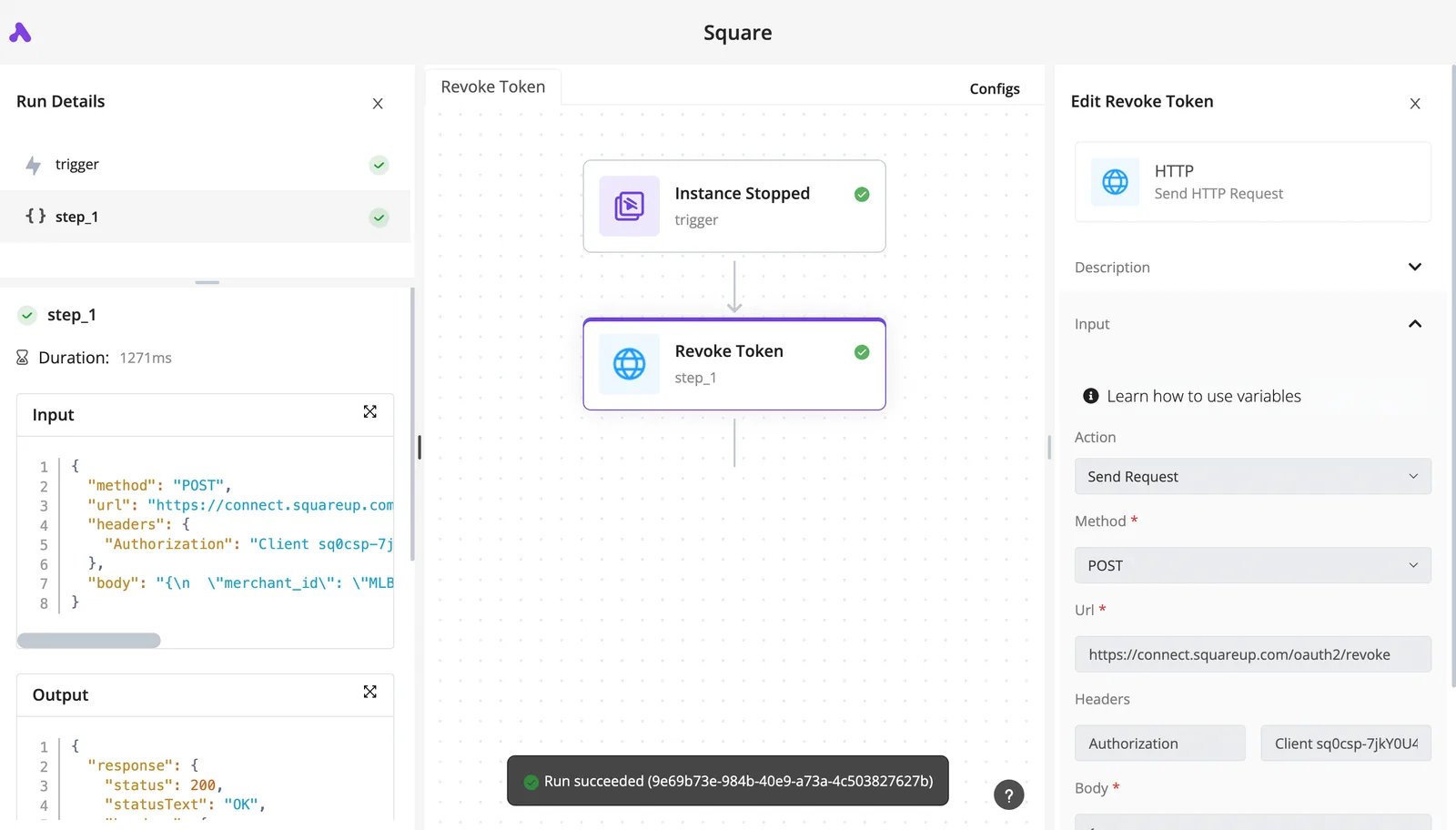
You will use run history at the worst moment. Each run records the input and output of each step, so a failed call shows the actual response the vendor returned. That's a better starting point than a log line saying "failed."

When a script is enough
If the job is one call on a schedule, one retry rule, and one alert, a short script under cron does it, and you'll read less configuration.
Use the builder when several people need to see the runs, when non-developers edit the branches, or when the flow touches several services. If none of those apply, skip it. The limits you read from the docs are the same either way.
Monday launch checklist for GPT 6.1 Terra workflows
Whichever tool runs the call, six actions in the first week turn the limits you read into protections, and none of them involves the prompt. Each one closes a gap that otherwise shows up as an invoice or a silent failure:
- Set a spend limit in the vendor's billing settings, so a looping trigger stops at a ceiling you chose.
- Store the API key as a secret: in your automation tool, never in a text field or a shared document.
- Log token usage for every run, so a cost jump can be traced to a workflow instead of guessed at.
- Force a 429 on purpose, so you see your retry path run before the vendor's rate limit runs it for you.
- Name one person as the alert owner, because an alert addressed to a channel is read by no one.
- Put a dated changelog re-check on the calendar, since a model name or limit that was correct on the day you read it can change.
Put in build order, those actions become the five steps below.
Step 1: Get a key and make one test call. Create the key, store it as a secret immediately, and make a single plain request. Record the date and the limits shown on your account page next to the result.
Step 2: Set the model name and parameters. Copy the model name, GPT-6.1 Terra, from the vendor's model page rather than from memory. Set an output cap so one malformed input can't produce an unbounded reply.
Step 3: Add the trigger. Choose a trigger that fires once per event. Test it with a duplicate event, because a trigger that fires twice pays for the call twice.
Step 4: Send the result somewhere useful. Write the output, along with the token counts from the response, to the place a person already looks. A result in a log nobody opens is the same as no result.
Step 5: Add retries and a failure alert. Retry on a 429 with a growing wait, and stop after a fixed attempt count. Route the final failure to the named owner.
For work that can wait, use Batch or Flex, which the vendor prices 50% lower than Standard.
Frequently asked questions
Because the vendor's own pages answer them, and those pages change, the pricing and lifecycle questions come last.
Does GPT 6.1 Terra have a free tier for automation?
Treat it as no until the vendor's pricing page says otherwise for your account. Even if a free allowance exists, it would sit under the lowest limits on the limits page.
On a schedule, a workflow would then hit a rate-limit error in its first busy hour. Read the page, write down the date you read it, and budget for paid usage.
Can I automate it without writing code?
Yes, as long as your automation tool can send an HTTP request with custom headers and a JSON body. That's all the model call is.
Even without code, you still have to set a request timeout, decide which error codes get retried, cap how many times, and route the final failure to a person.
When one job runs on one schedule and one person owns it, a script's enough. Once several triggers feed the same API key, or non-developers need to edit the flow, a visual tool pays for itself.
How do I stop a workflow from running up a large bill?
Put the limits where the spending happens, in this order:
- Set a spend cap or usage alert in the vendor's billing settings, if your account offers one.
- Set a maximum output length on every request, so one odd input can't produce an enormous reply.
- Cap concurrency in the workflow, so a burst of triggers doesn't become a burst of calls.
- Deduplicate triggers, since a webhook that fires twice for one event pays twice.
- Cap retries, because an unbounded retry loop against a failing call is the classic runaway.
Check the usage dashboard after the first full day of live traffic, not after the first invoice.
What happens when the vendor retires or renames the model?
Eventually, calls pinned to the old identifier start returning errors, and nothing in your workflow will have changed. Keep the model name in one configuration value, not scattered through steps. Read the vendor's deprecations page on a regular schedule and note the date each time.
When a replacement is named, run your saved sample inputs through it before switching, because output wording and length can shift even when the call still succeeds. Make sure a "model not found" response alerts a person instead of being retried.
Related reading
Build it
Set this up in minutes.
No code required. Connect your accounts, and Activepieces runs it from there.
Start free Talk to sales

